Meal planning used to feel like one more spinning plate in an already crowded circus.
As a wife, mum and chief organiser of a household with five grown adults while working full time, dinner can easily become that dreaded daily question: “What are we having tonight?” By 5:00 pm, when everyone is hungry and the fridge is staring back at me like an unsolved mystery, inspiration can disappear faster than leftovers at lunchtime.
So, I’ve started doing things differently.
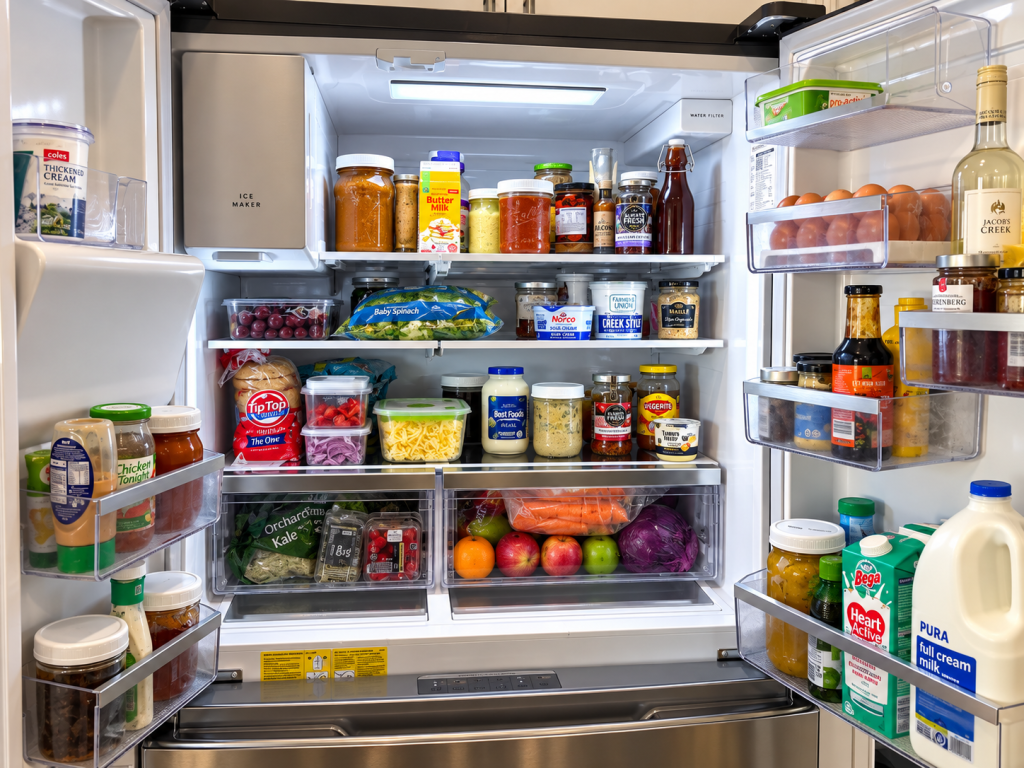
Instead of beginning my weekly meal plan with a shopping list, I begin with what I already have.
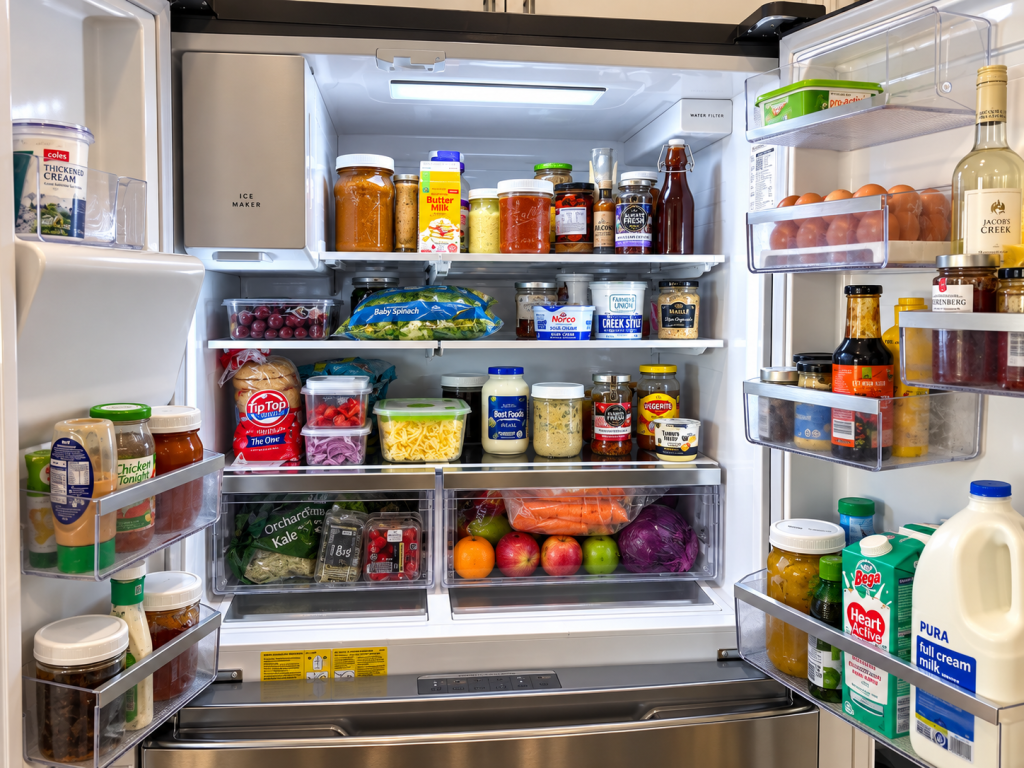
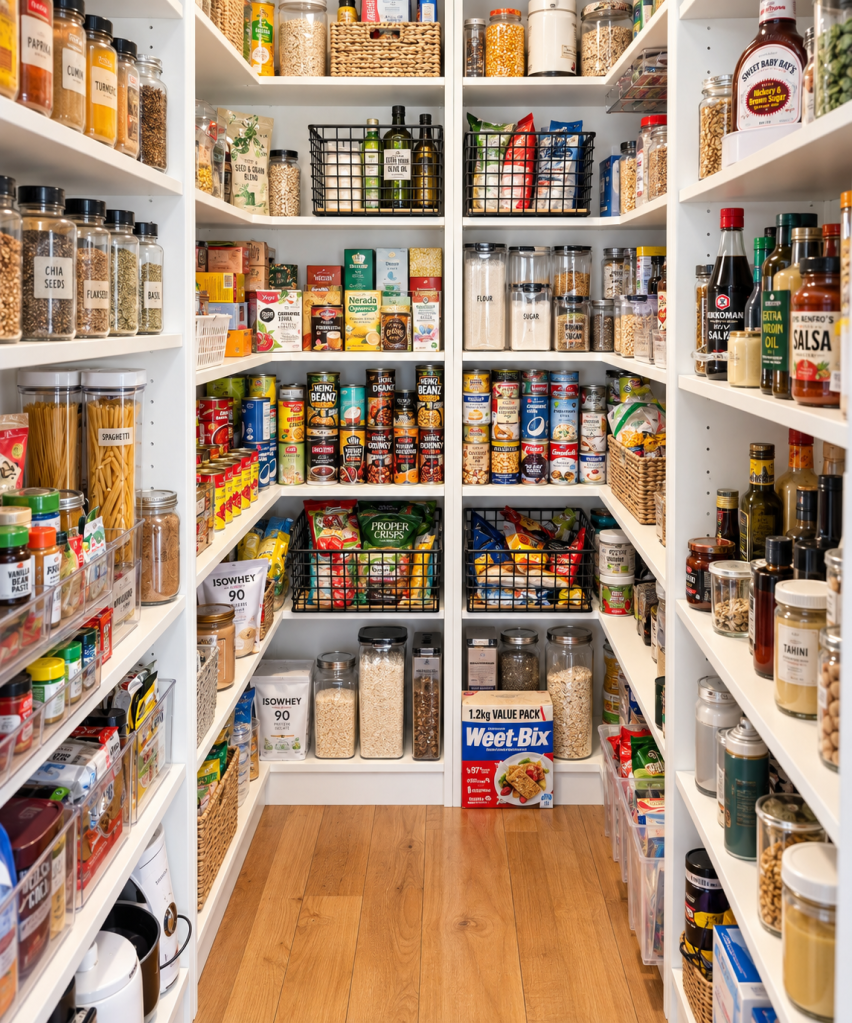
This week, I took photos of my fridge, freezer and pantry and uploaded them to ChatGPT. I asked it to identify the food I already had and then suggest a week of dinner ideas using Cookidoo® recipes that would help me use those ingredients first.
Simple. Quick. Done.
Suddenly, that half-used bag of vegetables, forgotten packet of meat lurking at the bottom of the freezer and collection of pantry staples weren’t random ingredients anymore. They were dinner.
It’s like turning the contents of your kitchen into a jigsaw puzzle — ChatGPT helps find where the pieces fit, while Cookidoo® gives me the recipes to bring it all together. Technology. Love it or hate it, it is here to stay.
This also fits perfectly with Jordan Page’s Shelftember challenge, which encourages you to shop your fridge, freezer and pantry first and drastically reduce your grocery spending for the month. The idea is to use what you already have and aim to spend only around $50–$80 a week on basic groceries and fresh essentials.
Because, let’s face it, most of us are sitting on a small supermarket in our own homes.
The freezer is full.
The pantry is packed.
Yet somehow, we still head to the shops.
By planning meals around what I already have, I’m not only cutting down on food waste, I’m also saving money. That extra money can go straight towards savings, the next holiday, or knocking over a bill a little faster.
Every dollar has a job.
And for a time-poor family, this method is a game changer.
Once ChatGPT has helped me map out the week, all I need to do is add the recipes into my Cookidoo® ‘My Week’ meal planner. From there, my Thermomix® TM7 becomes my kitchen sidekick. The recipe is ready. The steps are guided. Ingredients are accounted for. No standing in front of the fridge at 6:00 pm hoping dinner magically announces itself.
To save even more time, once I add the meals to the My Week menu in Cookidoo®, I then click shopping list. I tick off what I have, and that leaves me what I still have to get. To save more time, I do a click and collect. On the Woolworths app I go to Lists, they now have Snap and Shop. I take a screenshot of my shopping list from Cookidoo® and upload it. I can then add that to my basket for a Click and Collect. Two minutes tops. Done. More time saved.
For meals that use the Varoma®, I can also cook multiple elements at once, which means less washing-up, less hovering over the stove, and more time to actually sit down at the end of the day.
Meal planning doesn’t have to be complicated.
For me, it’s now a simple rhythm:
Look at what I have. Use it first. Plan the meals. Add them to Cookidoo®. Shop only for the gaps.
Less waste. Less spending. Less stress.
And when life is already moving at a hundred kilometres an hour, anything that makes dinner easier is worth its weight in gold!
So I’d love to know—do you meal plan around what you already have, or do you usually choose your meals first and then shop for the ingredients?
And if you’ve ever challenged yourself to use up your fridge, freezer and pantry before buying more, I’d love to hear how much you saved. Have you tried a pantry challenge like Shelftember, or could this be the month you finally give it a go?
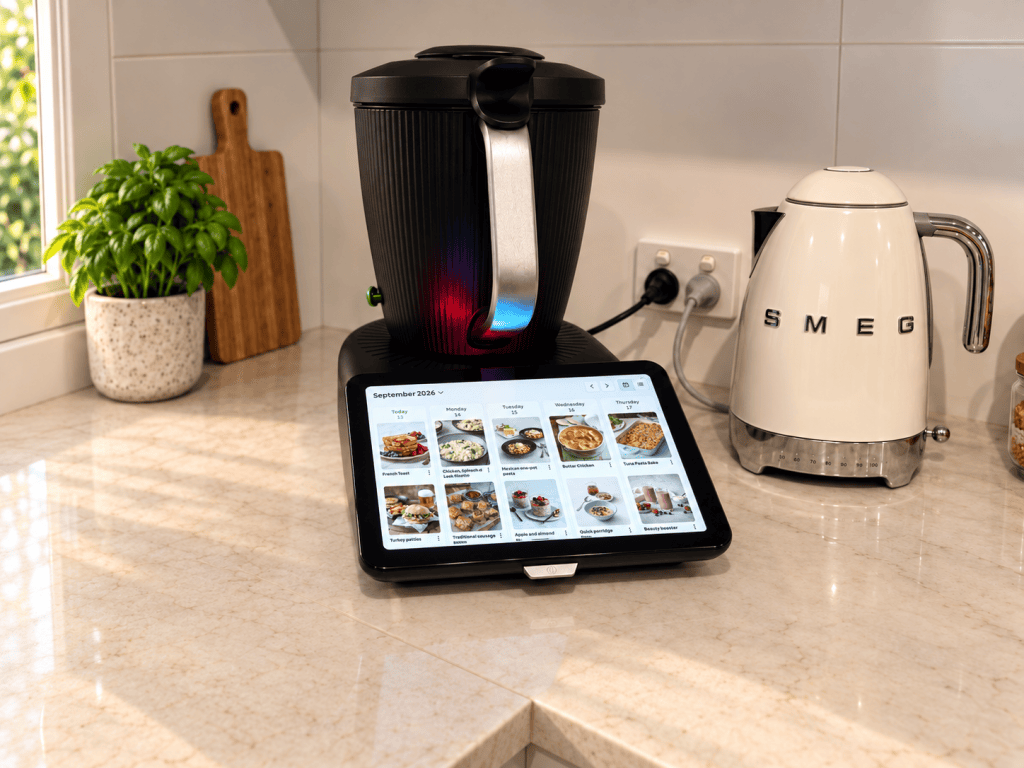
Want to know more about the Thermomix® TM7?
If you’d like more information about the Thermomix® TM7, a demonstration if you live on the Central Coast, NSW, or virtually otherwise, recipes, or how it might fit into your home or travelling setup, I’d love to hear from you.
You can contact me using the Contact button on the blog homepage; click the Instagram or Facebook buttons at the bottom of the blog page to get in touch via Messenger or social media.
I’m Nicole, a Thermomix® consultant, and I’m always happy to answer questions, share ideas, and help you discover more ways to use your Thermomix®.
Ready to Buy a TM7
If you’ve been thinking about bringing a Thermomix® TM7 into your kitchen, you can order yours directly through me. From quick weeknight dinners and fresh bread to sauces, yoghurt, meal prep and so much more, it’s one appliance that earns its place on the bench.
Ready to get started? Click below to order your Thermomix® TM7.
BUY YOUR TM7 NOW


Leave a Reply